

Why I Stopped Writing Simple View Components
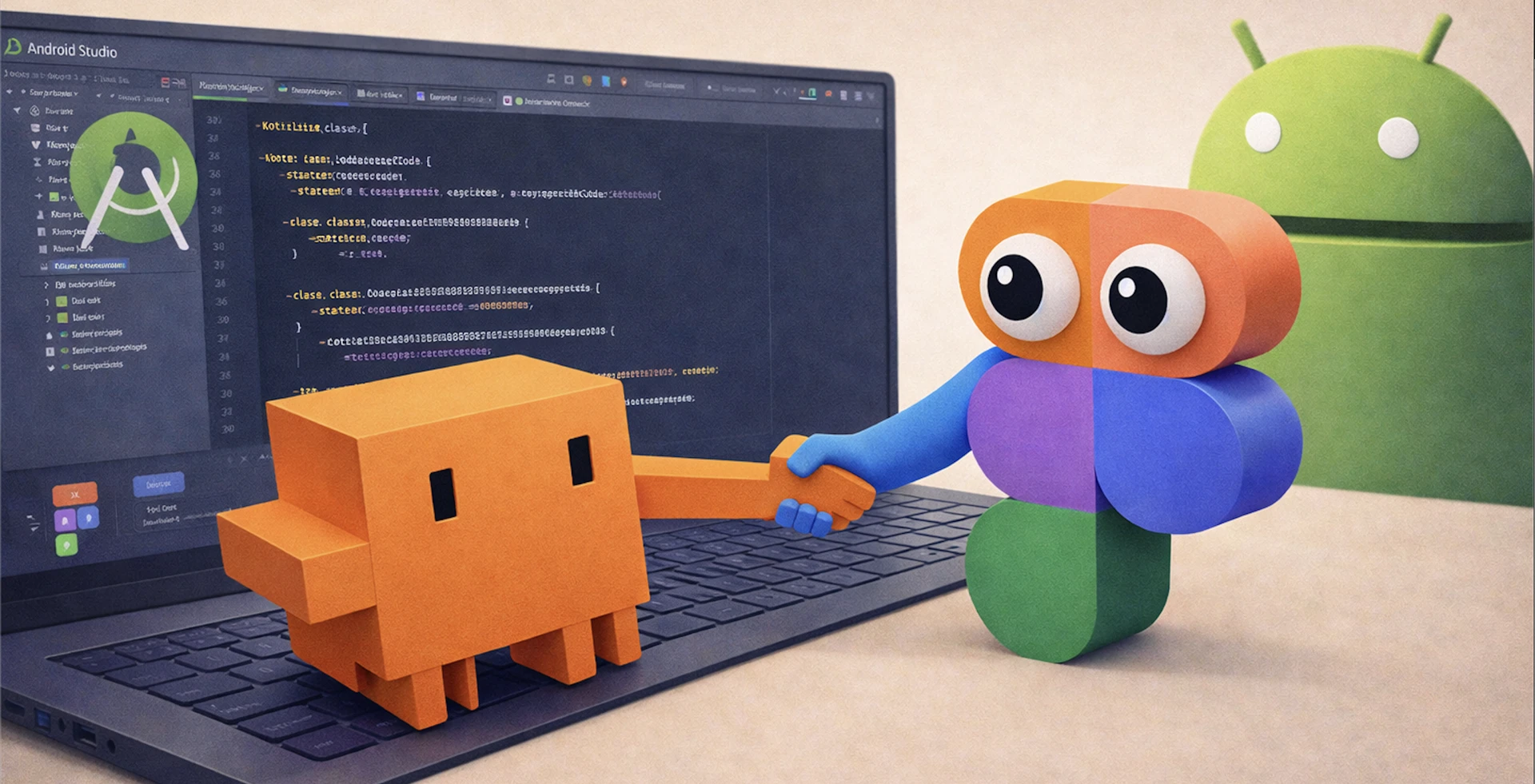

There's a category of Android work I used to dread — not because it was hard, but because it wasn't interesting. New screen comes in from design. You open Figma, map out the layout, write the composable, get the spacing roughly right, submit the PR, and get back a comment that the padding on the card is 12dp not 16dp.
Rinse, repeat.
It wasn't challenging work. It was transcription. And transcription is exactly the kind of thing I shouldn't be spending engineering time on. The real cost isn't the time — it's that every pass through that loop is a chance for something to drift from what the designer actually intended.
Something Changed
A few months ago I connected Claude to the Figma MCP server. The setup is literally two commands:
Step 1 — Enable the MCP server in Figma Desktop:
Open Figma Desktop → Preferences → Enable Dev Mode MCP Server. That's it. Figma starts exposing a local MCP endpoint at http://127.0.0.1:3845/sse.
Step 2 — Register it with Claude Code:
claude mcp add --transport sse figma http://127.0.0.1:3845/sse
That's the whole setup. From that point on, Claude isn't looking at a screenshot of your design. It's reading the actual file. Component names, layout structure, spacing tokens, design variables — all of it. Because of the Figma MCP, Claude has direct access to the same source of truth the designer was working from.
The first time I handed it a Figma URL and said "implement this," I expected the usual output: something close but wrong in a dozen small ways. Instead it came back with composables that used our actual design system components, correct token values, and a structure that matched what the designer built.
I haven't manually transcribed a simple view since.
What My Workflow Looks Like Now
Hey Claude! Can you build a composable for the bottom sheet based on this Figma design?https://www.examplefigmalinkA few notes: - Use our existing [BottomSheetComponentName] as a reference for structure and styling - Hook it up to [ViewModelName] and use the existing state exposed thereLet me know if anything in the design is unclear or missing.
Designer adds a frame to Figma. I drop the URL into Claude with some context about where it fits in the feature — what ViewModel it should talk to, what state it needs to react to. Through the Figma MCP, Claude reads the file and maps components to what already exists in our codebase, generating a first pass that's already grounded in the real design.
That first pass isn't production-ready. But it's not supposed to be. It's a scaffold that's already aligned with the design and already using the right components. My job shifts from writing the view to reviewing, shaping it and the architecture behind it — which is where my time should be going anyway.
The Time It Actually Saves
Here's what the before and after looks like on a representative simple screen — say, a new settings row, a profile card, or a content carousel:
Before:
- Open Figma, inspect spacing, colors, component names manually: ~15 min
- Write the composable from scratch: ~45 min
- Submit PR, get back pixel-level feedback, iterate: ~30 min
- Total: ~90 minutes of mostly mechanical work
After:
- Drop Figma URL into Claude with a sentence of context: ~1 min
- Review and shape the generated scaffold: ~5–10 min
- Submit PR: ~2 min
- Total: ~10–15 minutes
That's an 80–90% reduction on the transcription work — and the output is more accurate to spec because Claude is reading the actual Figma tokens, not my approximation of them. Across a feature with five or six new screens, that's a full day of engineering time back.
And the gains aren't linear. The more complex the screen, the more surface area there is for manual transcription errors. A screen with ten components, each with specific spacing, colors, and states, used to be a multi-hour exercise. Now it's a scaffold in minutes.
What This Actually Unlocks
The code generation is the obvious win. But the more interesting unlock is what happens to collaboration.
Design and engineering have always worked toward the same goal — they just rarely worked from the same context. Designers live in Figma. Engineers live in the IDE. Everything in between is translation: screenshots, redlines, Slack threads, tickets with attached PNGs. The Figma MCP collapses that gap. When Claude can read the design file directly, both sides are finally referencing the same source of truth at the same time.
And that opens up workflows that weren't really possible before. Take something as routine as ticket creation: instead of an engineer manually pulling a Figma frame, screenshotting it, writing up a description, and linking the file — Claude can do that whole loop. Point it at a Figma board, and it can read the frames, generate a ticket description grounded in the actual design, attach the relevant screenshots, and drop in the Figma link. What used to take 10 minutes of context-switching is now a prompt.
That's just one example. The broader point is that once Claude has eyes on the design file, a lot of work that lived in the seams between tools just disappears.
What It Isn't
It's not magic. Poorly structured Figma files produce noisy output. Complex stateful logic still needs to be thought through carefully. And a designer still needs to review what ships.
But for the straightforward stuff — a new card, a settings row, a simple screen — the grind is just gone. And freeing up that headspace, consistently, over months, adds up to something real.
I'm not sure I'd go back even if I could.
The Loop Isn't Closed Yet
That said, the handoff still starts with a human. A designer leaves a comment in Figma, and an engineer has to notice it, open a ticket, grab the link, and prompt Claude to start working. We've removed a lot of steps, but we haven't removed the initiation.
That's the gap we're still trying to close, and there are two specific things we're looking at:
End-to-end automation: The goal is for a design comment in Figma to set off the entire downstream flow. A ticket gets created, a branch is spun up, the MCP link is attached, and Claude begins the implementation. No one has to manually start the process. All the pieces are already there. The challenge now is stitching them together into one continuous loop.
Remote MCP: Right now the Figma MCP server runs locally, which means Figma Desktop has to be open on someone's machine for any of this to work. Moving it to a cloud-hosted MCP would make the integration asynchronous and no longer tied to a specific machine. That is a necessary step toward the more autonomous, always-on workflow we are aiming for.
We're not there yet. But the direction is clear.







.jpg)


